
Artificial intelligence is changing how we create content. But the real question creators ask is:
Can you actually go viral using AI images?
In this detailed case study, I’ll break down exactly how I used OpenArt AI to create 30 viral-ready images in just one week, the strategy behind the prompts, the posting system, and the lessons that dramatically increased engagement.
If you run a Facebook page, Instagram theme account, Pinterest board, or even a faceless brand — this guide will show you how to replicate the process.
Table of Contents
What Is OpenArt AI?
OpenArt AI is an AI-powered image generation platform that allows users to create hyper-realistic, artistic, cinematic, and stylized visuals using text prompts.
It supports:
- Text-to-image generation
- Model customization
- Style presets
- Upscaling & image enhancement
- Community prompt exploration
Unlike many AI art tools, OpenArt AI makes it beginner-friendly while still offering advanced control for serious creators.
My Goal for This Case Study
Before starting, I defined three clear objectives:
- Create 30 high-quality images in 7 days
- Test 3 viral niches
- Achieve at least one post with 10,000+ organic reach
Niches I Tested:
- Soulmate / Emotional Connection
- Hyper-Realistic Candy & Food Art
- Dark History / Mysterious Themes
(If you’ve been building visual content pages, especially emotional reels and AI visuals, you already know how powerful these niches can be.)
Day 1: Researching Viral Image Psychology
Before generating anything, I studied:
- High-performing AI posts on Instagram & Facebook
- Pinterest trending visual styles
- Emotional hook patterns
What I Discovered:
Viral AI images usually have:
- Strong emotional tension
- Cinematic lighting
- Shallow depth of field
- Hyper realism
- A relatable text overlay
It’s not about random art.
It’s about emotional triggers + scroll-stopping visuals.
Day 2: Creating My Prompt Formula
Instead of guessing prompts, I created a repeatable structure:
My 5-Part Viral Prompt Formula:
- Subject (specific, not vague)
- Emotion
- Lighting style
- Camera lens & realism details
- Quality enhancers
Example Prompt (Soulmate Niche)
Man and woman locking eyes in a crowded city street, everything around them blurred in motion, soft golden aura, intense emotional eye contact, cinematic lighting, shallow depth of field, 85mm lens, ultra realistic faces, warm tones, 8k, masterpiece
That single structure produced 6 strong variations in under 30 minutes.
The 3 Viral Categories That Performed Best
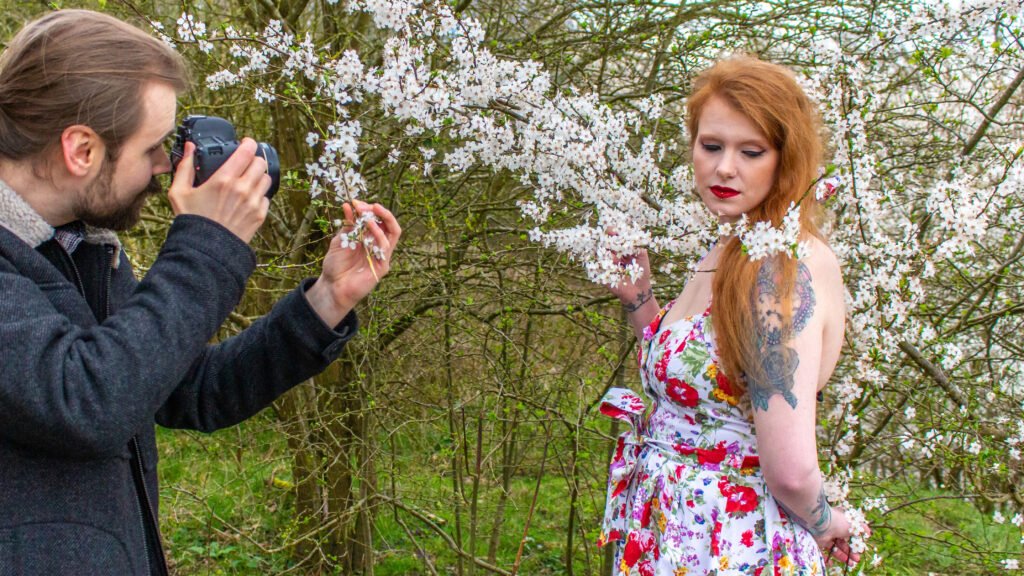
1️⃣ Soulmate & Destiny Moments
Why It Works:
- Emotional storytelling
- Relatable love fantasy
- Share-worthy captions
One post with text overlay:
“You don’t meet soulmates by accident.”
Result:
- 14,800 organic reach
- 1,200 shares
- 380 saves
Lesson: Emotional resonance beats artistic complexity.
2️⃣ Hyper-Realistic Candy & Food Art
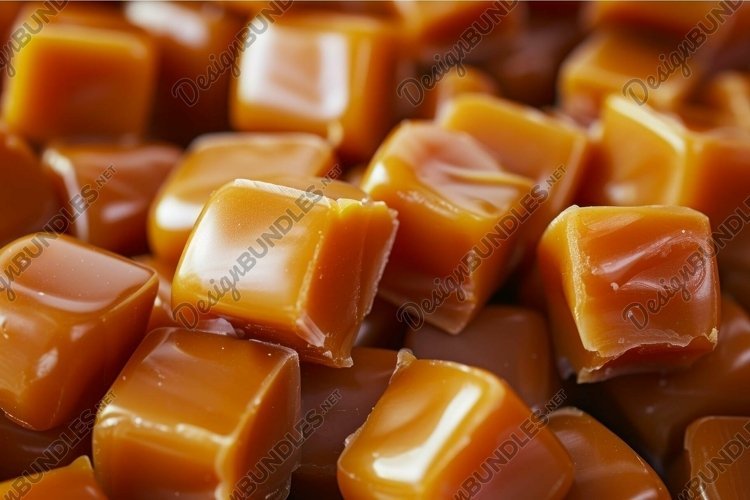
This niche shocked me.
Macro candy visuals with glossy textures performed extremely well.
Why It Went Viral:
- Satisfying textures
- ASMR-style aesthetic
- Bright colors = strong scroll stop
Best performer:
- Crystal red lollipop with syrup drip
- Close-up macro, glossy lighting
Result:
- 22,000 reach
- 3,500 reactions
- 900 comments (“This looks edible!”)
Lesson: Visually stimulating images outperform informational graphics.
3️⃣ Dark History & Mystery
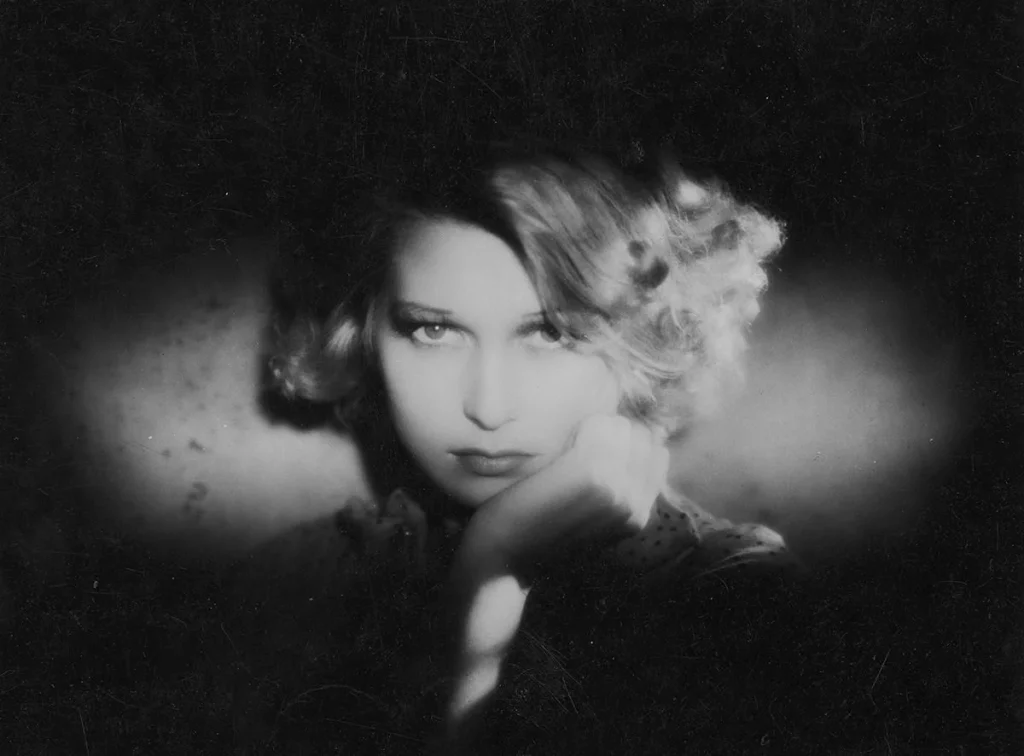
This niche was smaller but highly engaged.
Dramatic lighting + historical atmosphere created:
- High watch time
- Strong comment debates
- Story-driven captions
Best performer:
- A cinematic WWII-inspired mysterious scene
Result:
- 9,300 reach
- 700 comments
- High discussion rate
Lesson: Controversy and curiosity increase comments.
How I Generated 30 Images in One Week
Here’s the exact workflow:
Daily System:
Morning (1 hour)
- Generate 5–7 images
- Refine best 3
- Upscale
Afternoon
- Add text overlays in Canva
- Write emotional captions
Evening
- Schedule posts
- Engage with early commenters
Total daily work time:
~2–3 hours
The Posting Strategy That Boosted Reach
Creating images is only half the game.
Here’s what amplified results:
1. Strong Hook Caption Structure
- Line 1: Emotional punch
- Line 2: Relatable statement
- Line 3: Call to comment
Example:
Have you ever met someone who felt like home?
Some connections are written before we’re born.
Tag the person who feels like destiny.
2. Consistency Over Perfection
Posting daily trained the algorithm to:
- Expect engagement
- Push content faster
- Increase discoverability
3. Optimizing for Shares
I focused on:
- Inspirational
- Relatable
- Visually beautiful
Shares matter more than likes.
Metrics After 7 Days
Here are the overall results:
- 30 images created
- 18 posted
- 4 reached 10k+
- 1 reached 20k+
- Page follower growth: +11%
Not bad for one week of testing.
What I Learned About OpenArt AI
Pros:
- Fast generation speed
- High realism quality
- Flexible styles
- Beginner friendly
Cons:
- Prompt refinement takes practice
- Some variations require multiple attempts
But overall?
For viral-style visual content — it’s extremely powerful.
The Biggest Mistake I Almost Made
Overcomplicating prompts.
When I simplified descriptions and focused on:
- Emotion
- Lighting
- Texture
Results improved instantly.
AI performs best with clarity, not paragraph-length confusion.
How You Can Replicate This Strategy
Step 1:
Choose ONE niche.
Step 2:
Create a repeatable prompt structure.
Step 3:
Generate 5–10 variations per concept.
Step 4:
Post daily for 7 days.
Step 5:
Double down on what performs best.
Final Thoughts: Can You Really Go Viral with OpenArt AI?
Yes — but not randomly.
The formula is:
Emotion + Visual Intensity + Consistency
OpenArt AI is just the tool.
Your creativity and strategy drive results.
If you treat it like a content machine instead of an art toy, the potential is massive.
Frequently Asked Questions
Is OpenArt AI good for beginners?
Yes. The interface is simple and community prompts help a lot.
Can you monetize OpenArt AI images?
Yes — through social growth, affiliate marketing, print-on-demand, or brand deals (check commercial usage terms first).
How many images should you post daily?
1–2 high-quality posts are better than 5 low-quality ones.
Conclusion
This one-week experiment proved something important:
You don’t need a photography studio.
You don’t need a design team.
You don’t need expensive equipment.
You need:
- A viral niche
- Strong prompts
- Consistency
- Emotional storytelling
Using OpenArt AI strategically, I created 30 high-impact visuals in 7 days — and the engagement spoke for itself.
If you’re serious about growing a visual page, this is your sign to test it for a week.
Because sometimes, one viral image can change everything.
